Pro Features
Access your arcor.de (Arcor) Account from an Email Program using IMAP
arcor.de (Arcor) provides IMAP access to your arcor.de (Arcor) account, so you can connect to your email from mobile devices and desktop email clients.
Last Verified March 2026
arcor.de (Arcor) provides IMAP access to your arcor.de (Arcor) account, so you can connect to your email from mobile devices and desktop email clients.
To access your Arcor email account from a desktop email program, you'll need the IMAP and SMTP settings below:
| arcor.de (Arcor) IMAP Server | imap.arcor.de |
| IMAP port | 143 |
| IMAP security | SSL / TLS |
| IMAP username | Your username |
| IMAP password | Your Arcor password |
| arcor.de (Arcor) SMTP Server | mail.arcor.de |
| SMTP port | 465 |
| SMTP security | SSL / TLS |
| SMTP username | Your username |
| SMTP password | Your Arcor password |
Need help? Arcor provides additional documentation about setting up email tools like Mailspring here:
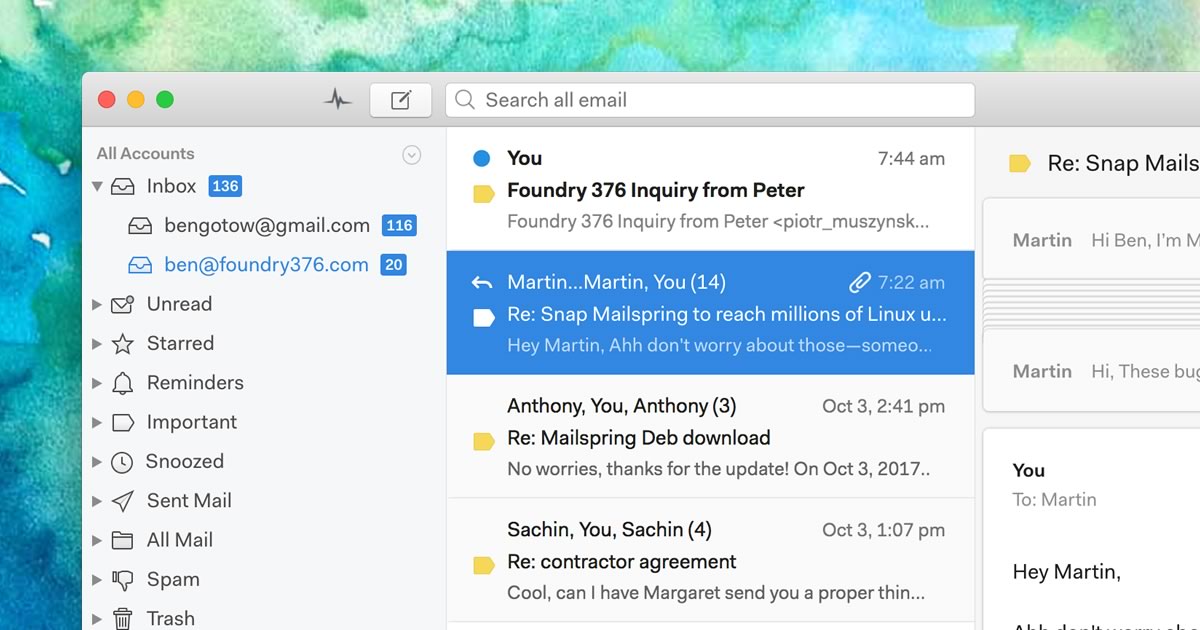
Need a desktop email application? Mailspring is free, packed with great features, and you can try it alongside your existing email program. It's built with love for Mac, Linux, and Windows. 💌
Click your email provider below to learn how to connect to access your account with IMAP: